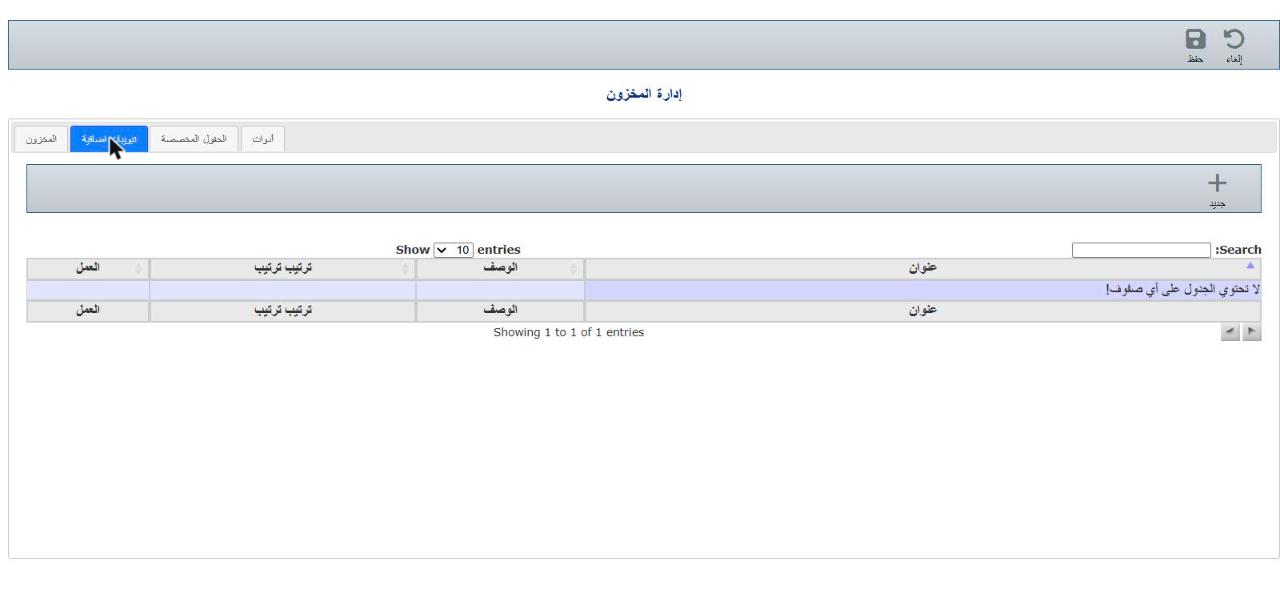
Settings → Inventory module → Extra tabs.
Click the edit icon in the Action column next to the tab.
Change the title, description or order, then click Save.