You can add new tabs to the item card to organise fields for your business, such as a "Specs" tab for phones or "Dimensions" for furniture. The System tab always exists and can't be changed.
From the menu: Settings → Inventory module, then the Extra tabs tab.
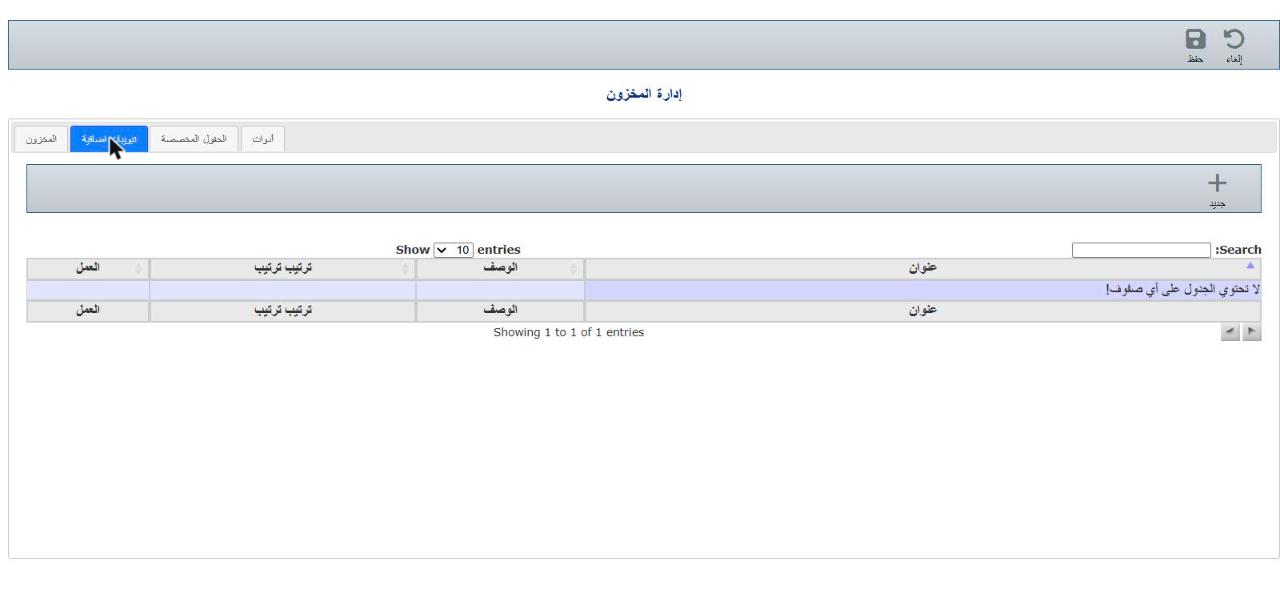
Click New ( + ) and enter:
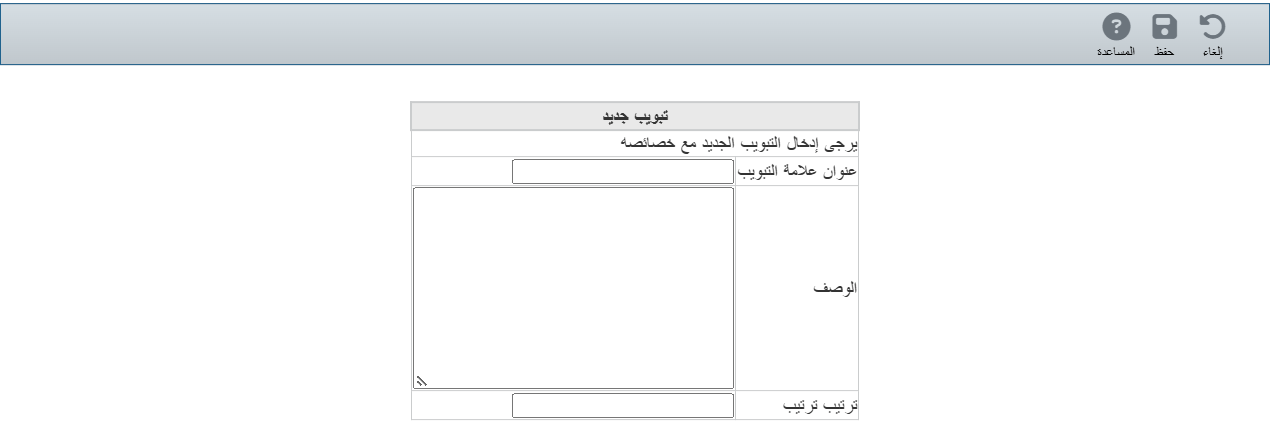
Click Save. Then add fields to this tab from the Custom fields tab.