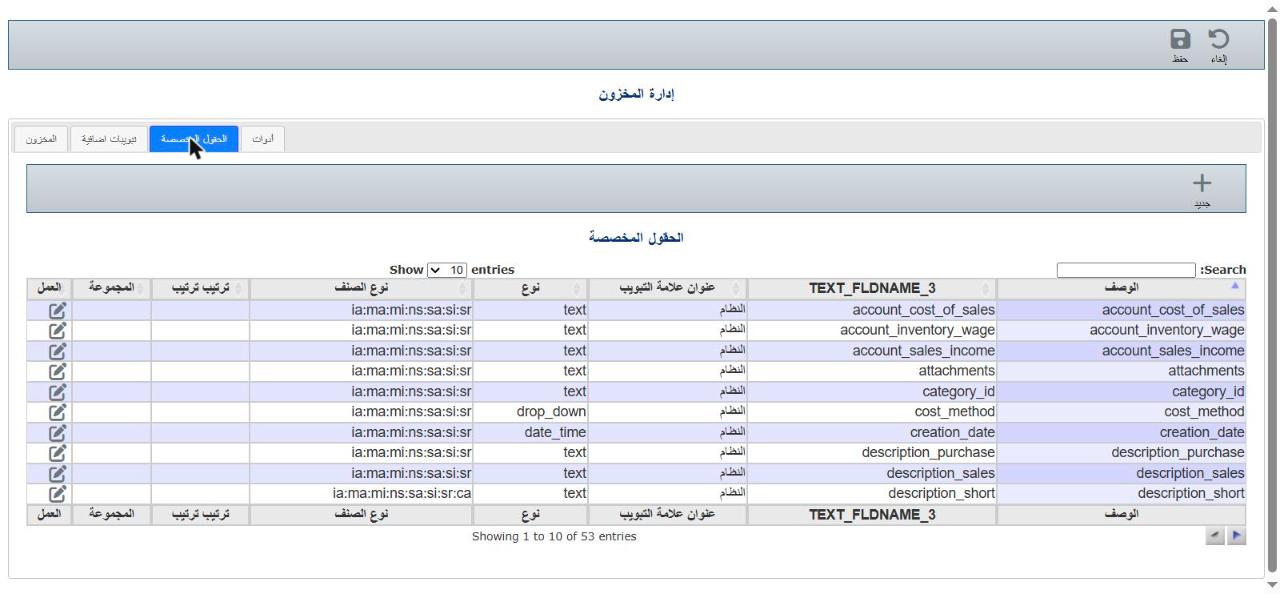
Settings → Inventory module → Custom fields. Use the Search box to find the field quickly.
Click the edit icon in the Action column.
Change the description, tab, item types or properties, then click Save.