Editing an Item
1Find the item
From Inventory → Inventory Management, type the item name, SKU or barcode in the Search box and press Enter.
2Open the item card
Click ☰ in the Action column, then the Edit icon (first icon on the right).

3Change the data
The card has three tabs:
- System: basic data, prices, vendor and cost, and the balance.
- Extra tabs: manufacturer, producer, trade mark and extra barcodes.
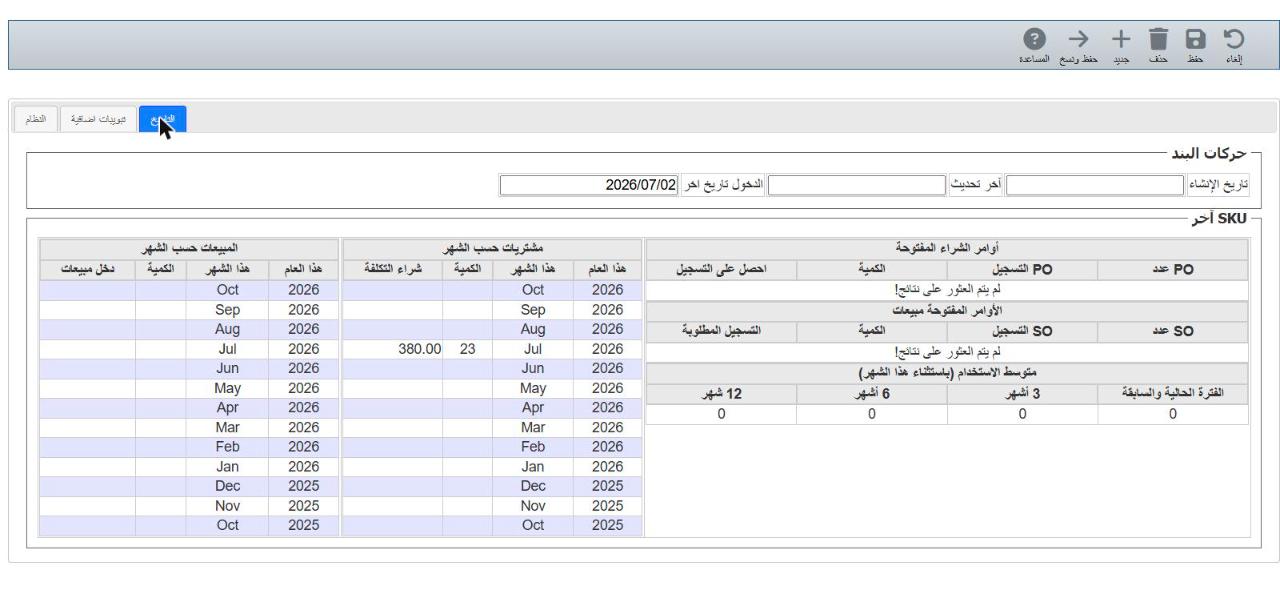
- History: creation and last-transaction dates, and monthly purchases and sales.
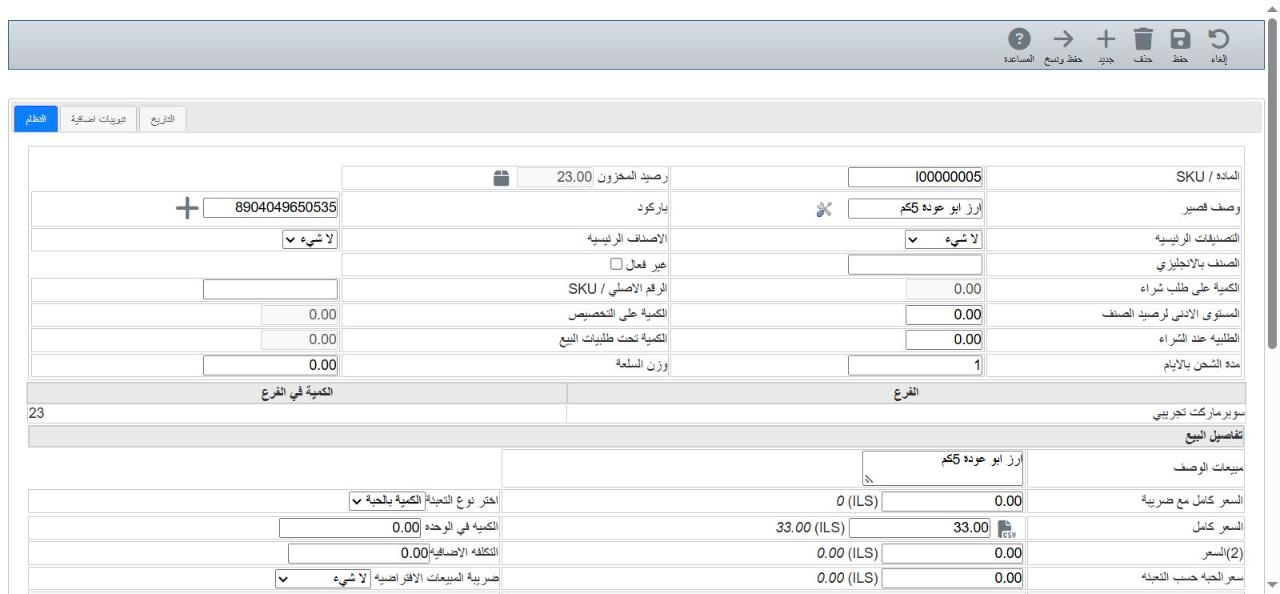
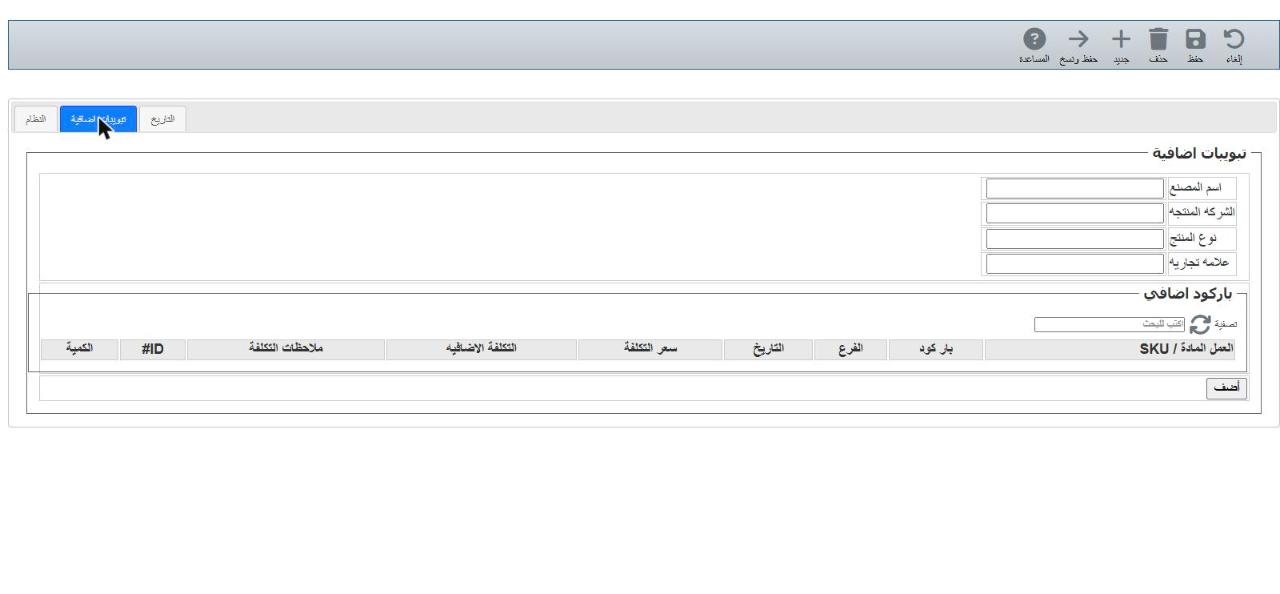
ℹ Some fields can't be changed once the item is used in invoices, such as Cost method. Grey fields (such as quantity on purchase order) are calculated by the system.
4Save
Click Save at the top to save and return to the list, or Cancel to leave without saving.

💡 The History tab shows how fast an item sells — useful before ordering more from the vendor.