From Inventory → Adjust stock quantity.
Click Open on the toolbar to show the saved adjustments. Choose the Accounting period and Fiscal year for older adjustments, or search by the transaction number.
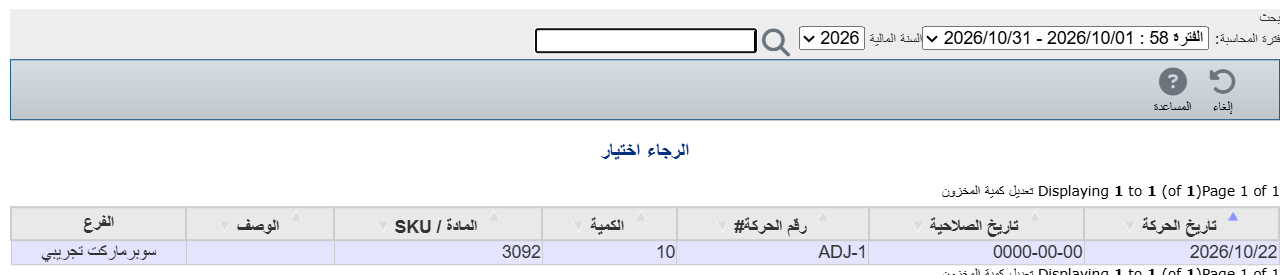
Click its row and it opens with all its data.
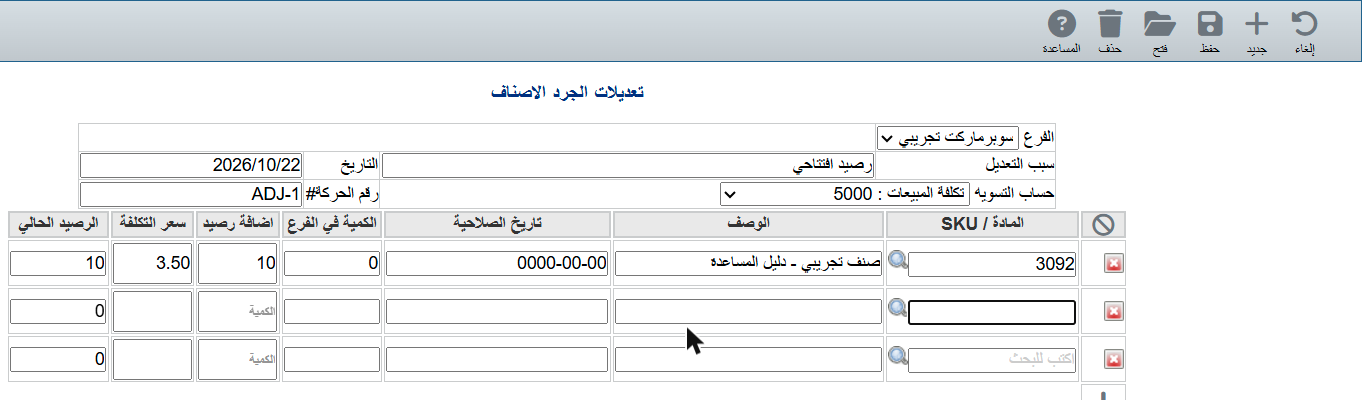
Change what you need (quantity, reason, date...) and click Save.