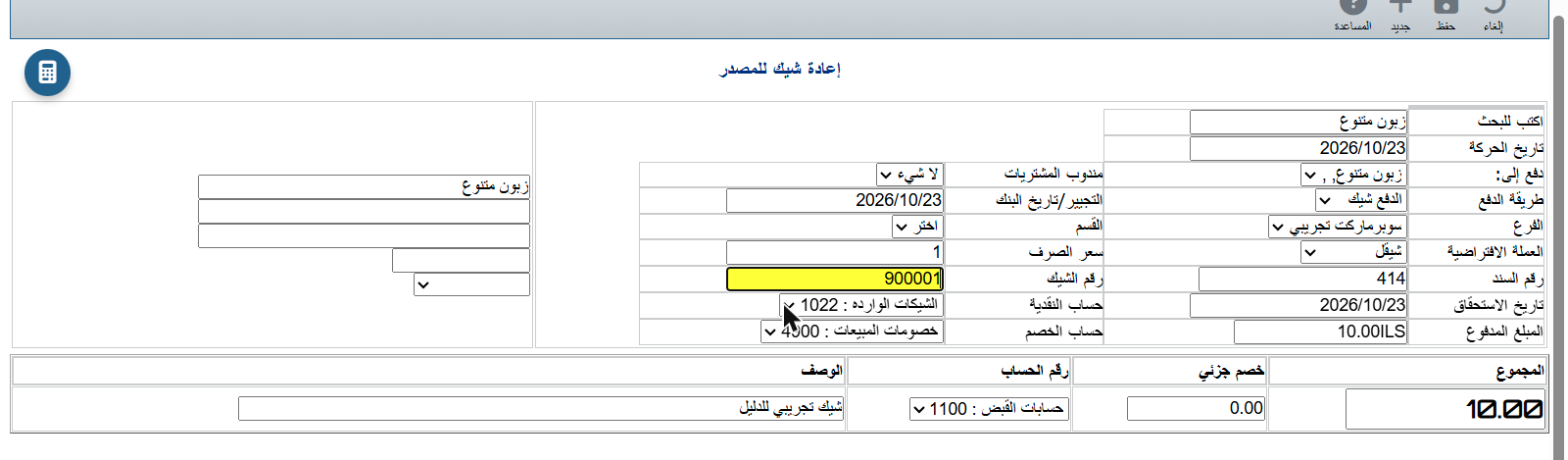
A full example: a customer cheque, endorsed to a vendor, bounced by the bank, then given back to the customer.
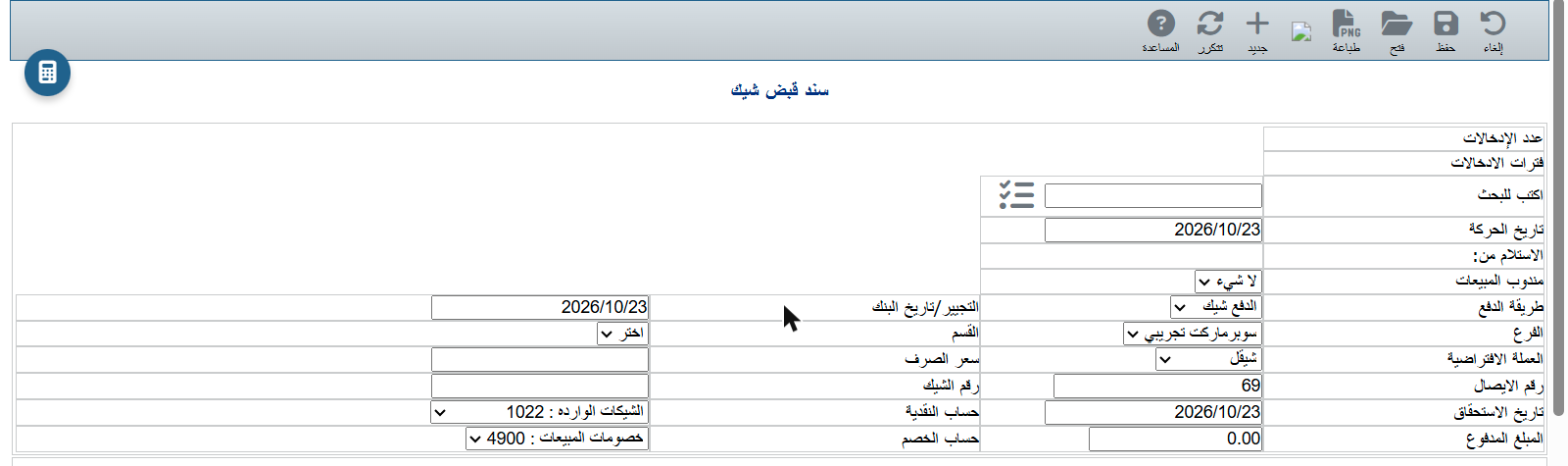
In Manage incoming cheques click New.

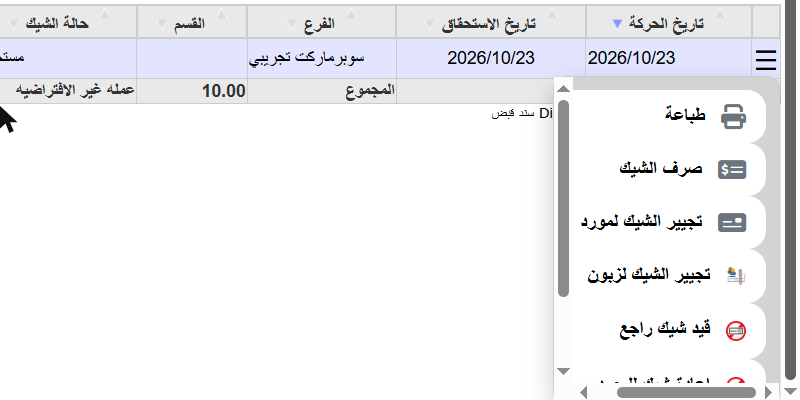
Click ☰ at the start of the row. The commands change with the cheque status:
| Cheque status | Commands |
|---|---|
| Due / Not cashed | Cash cheque, Endorse to vendor, Endorse to customer, Record returned cheque, Return cheque to issuer |
| Endorsed | Record returned cheque, Transfer entry |
| Returned | Return cheque to issuer |
| Cashed / Returned to issuer | Print and Edit only |
Each command opens a voucher already filled with the customer, cheque number, amount and accounts. Check it and click Save — the status changes automatically.
Choose Cash cheque, pick the bank account in Cash account, enter the deposit date in Endorsement/Bank date, and save. The amount moves from 1022 to the bank and the status becomes Cashed.
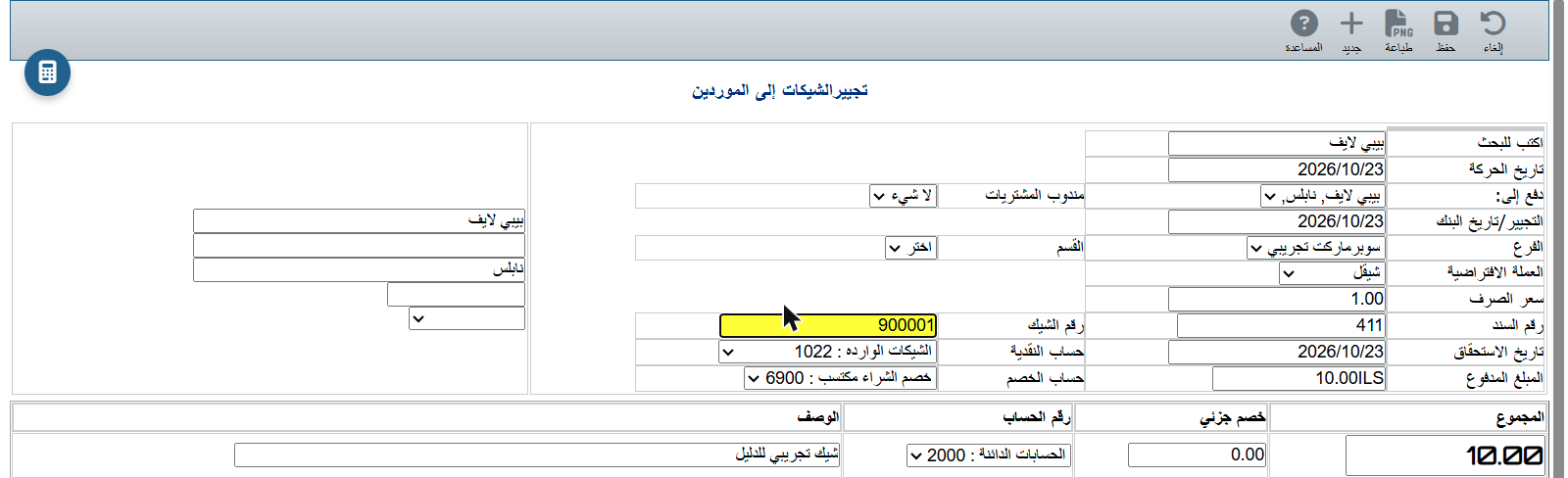
Choose Endorse to vendor. The Endorse cheques to vendors voucher opens with the cheque number and amount ready.

The bank returned the cheque? Choose Record returned cheque. The voucher moves the amount from 1022 to 1023 Returned incoming cheques. Save: the status becomes Returned and only one command is left: Return cheque to issuer.
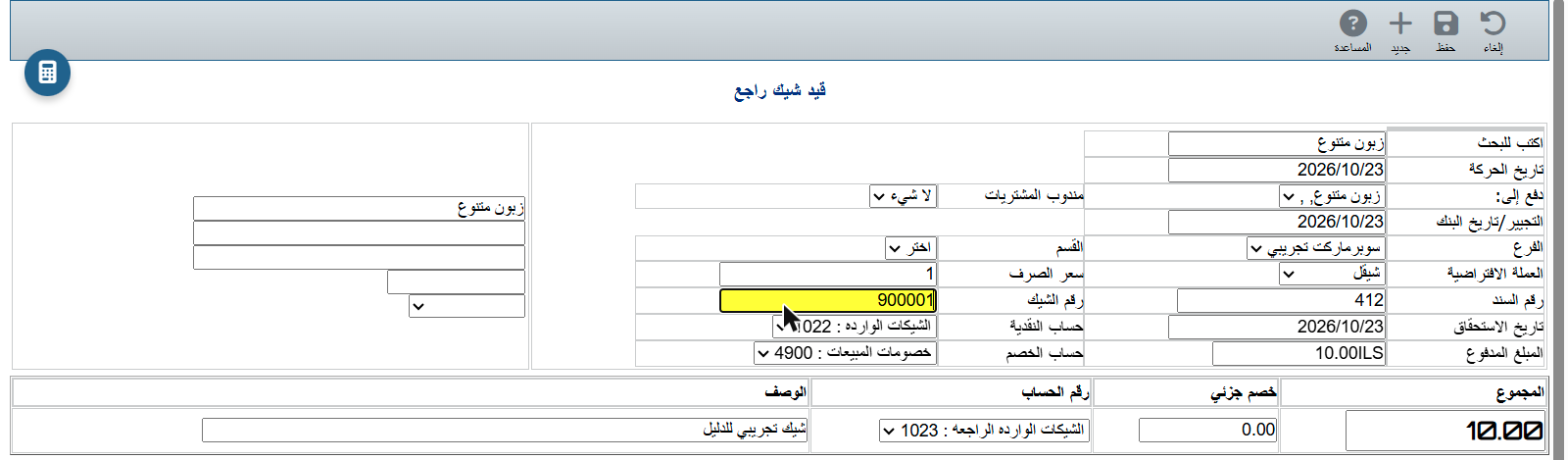

When you hand the bounced cheque back, choose Return cheque to issuer. The line is on 1100 Accounts receivable, so the customer owes the amount again. Save: the status becomes Returned to issuer, with only Print and Edit left.