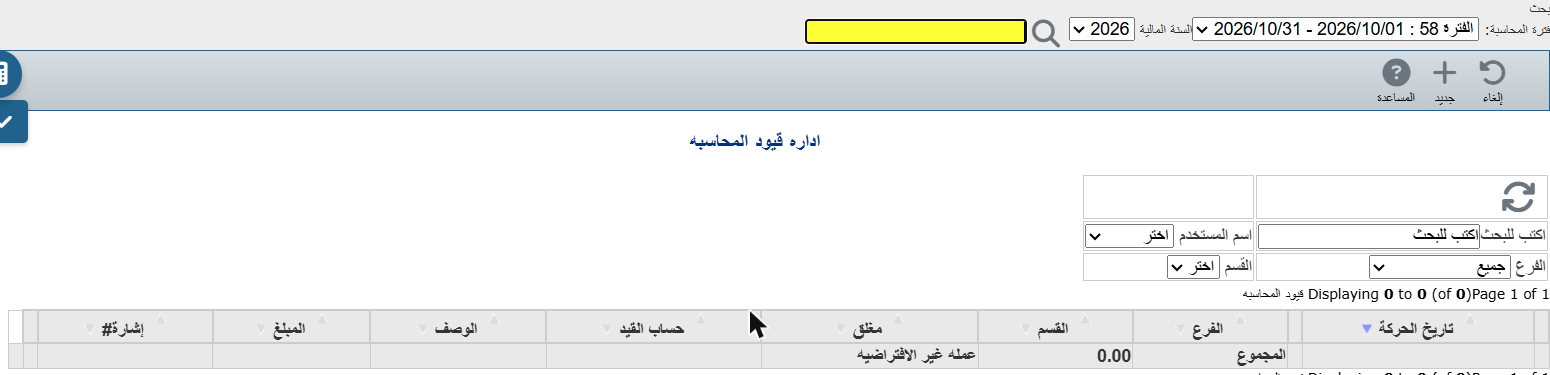
Use a manual entry for what the system doesn't post automatically: salaries, depreciation, corrections, or transfers between accounts.
From the menu: General ledger → Add journal entries.
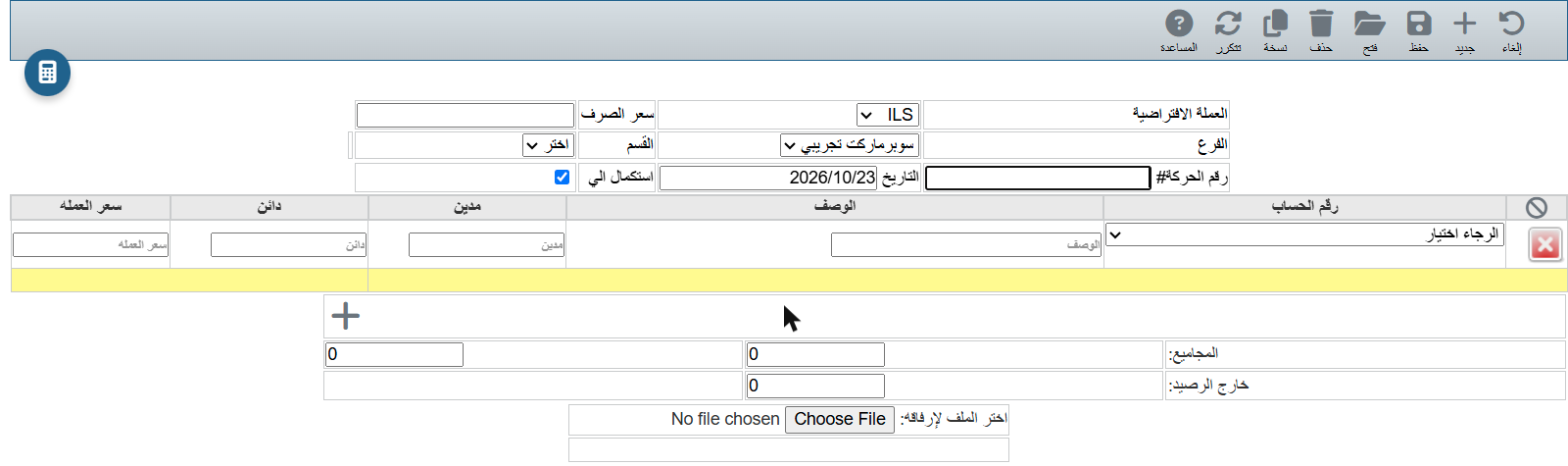
Default currency (and Exchange rate), Branch, Transaction # and Date.
For each line: choose the Account, type a Description, then the amount in Debit or Credit. Add a line with +, remove one with the red ×.
Below the lines you see the Totals and Out of balance. Out of balance must be 0 (total debit = total credit); then click Save.